With Movie Maker you can enjoy your videos like never before.
Download full version with all features, including advanced tools, effects, transitions, and export options.
Support and optimized for x86/x64 and ARM64 machines. Movie Maker runs natively for blazing-fast performance on the latest Windows devices.
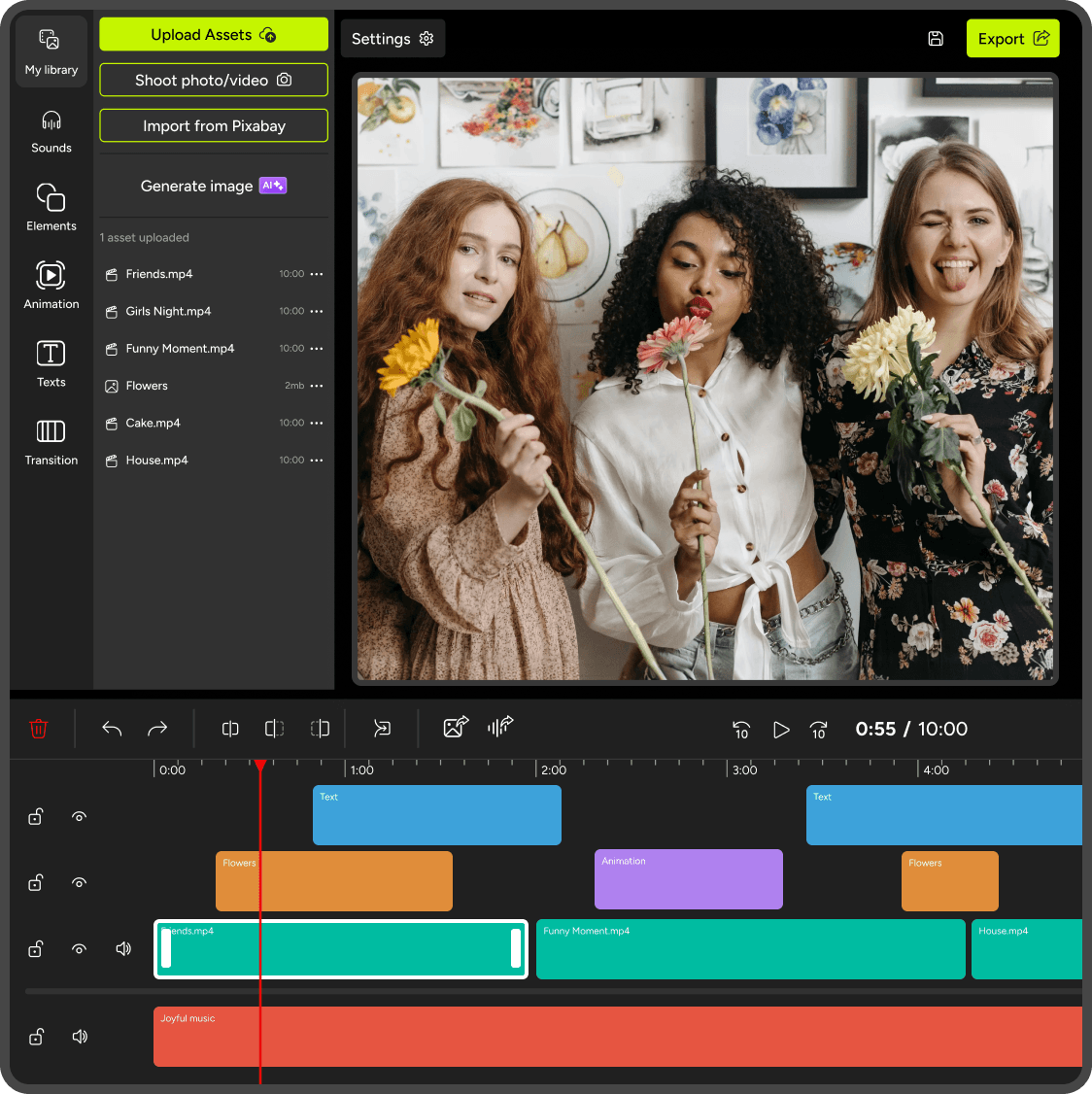
We designed Movie Maker to be an easy to use, quick to learn, and surprisingly powerful video editor.
Trusted by millions of users worldwide.
Create stunning videos and slideshows with Full HD export and NO watermark.
Whether it's a family video, school project, product showcase, vlog, or content for YouTube, TikTok or Instagram - Movie Maker - Video Editor makes video editing simple, fast, and professional.
Professional Video Maker
It provides up to 30 professional transition effects for photos and videos, image filters, 30+ fashionable fonts for subtitles.
Fast and Easy
Only have to spend a little time to learn and make video with Movie Maker.
Continuously Improving
We love to hear from users about this software and make efforts to improve it continuously.
More Tools
Movie Maker provides a suite of useful applications to enhance your editing experience.

Editing
Make movies from photos and video clips with basic editing functions: cut, split, join, rotate, flip....

Add Soundtracks
Built-in music or import your own audio file, with support for voice-over

Text & Captions
Animated titles, credits, stickers and overlays.

Transitions & Effects
Fade, zoom, ripple, pixelate and many more.

Photo Enhancements
Filters, pan-zoom animation.

Audio Tool
Adjust volume, mute, extract audio.

Export
Export Full HD video (1080p) with no watermark.

Formats
Support most formats: MP4, WMV, MKV, MOV, AVI, JPEG, PNG, MP3, WAV and more.

Optimization
Support and optimize for x86/x64 and ARM64 machines.
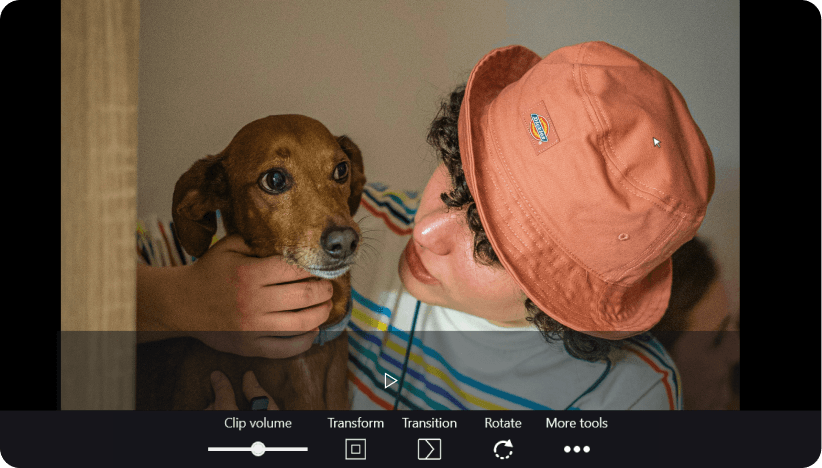
Simple and powerful
Simple like iMovie and powerful like CapCut, but built for Windows
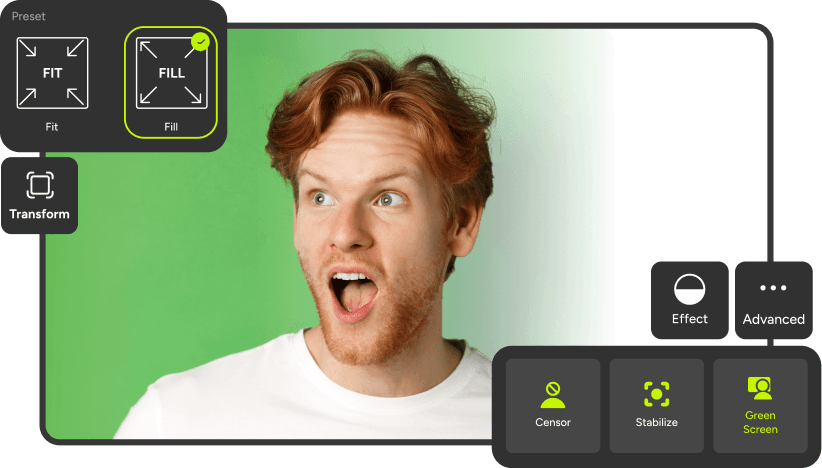
Beginner friendly
The perfect tool for beginners and creators alike.

Start for free
Free to start – upgrade only if you need pro features
Disclaimer: This app is not affiliated with iMovie, CapCut, YouTube, TikTok, Instagram or other brands. All trademarks belong to their respective owners.
(v3.x)
In the new version we added animated text templates, rotation for overlays, improved quick tools (trim, split, join), bug fixes & performance improvements.
Download app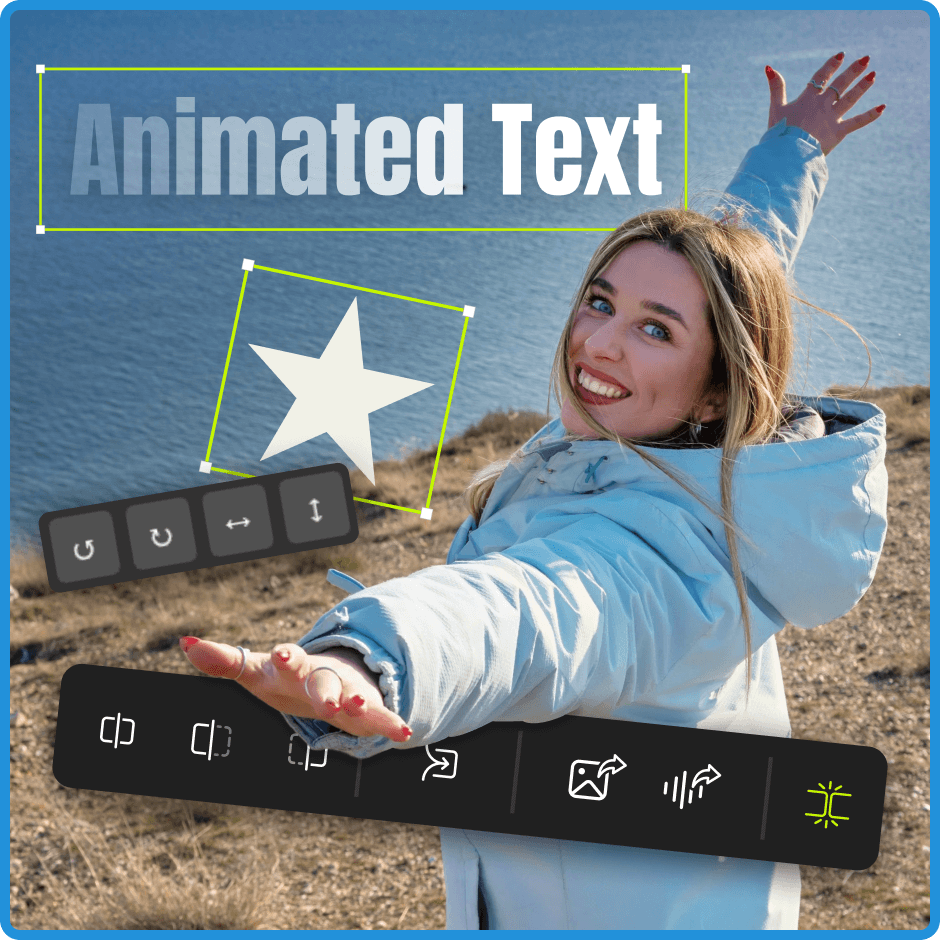
Features Comparison
| Movie Maker | Movie Maker – PRO | |
|---|---|---|
| Basic video editing (trim, join) | Yes (normal project) | Yes (normal project + quick tools) |
| Output video quality | HD, Full HD | HD, Full HD, 4K |
| Making slideshow from photos and videoclips | Yes | Yes |
| Screen recorder | Yes | Yes |
| Adding background music to video | Yes | Yes |
| Adding text caption | Yes | Yes |
| Adding photo overlay to video | Limited | Unlimited |
| Photo transitions | 30 | 30 |
| Photo editing (rotate, crop, enhancement) | Yes | Yes |
| AI photo editor | No | Yes |
| Video transitions | 4 | 30 |
| Video visual effects | Limited | Full (50+) |
| Color grading | Yes | Yes |
| Audio volume | Yes | Yes |
| Music editor (trimming, fade in/out, silence) | Yes | Yes |
| Fast/Slow motion | No | Yes |
| Manage projects | Resume last project | Save/Load multiple projects |