

Stabilize Video
This Stabilize video tool is used to stabilize a shaky video clip.
-
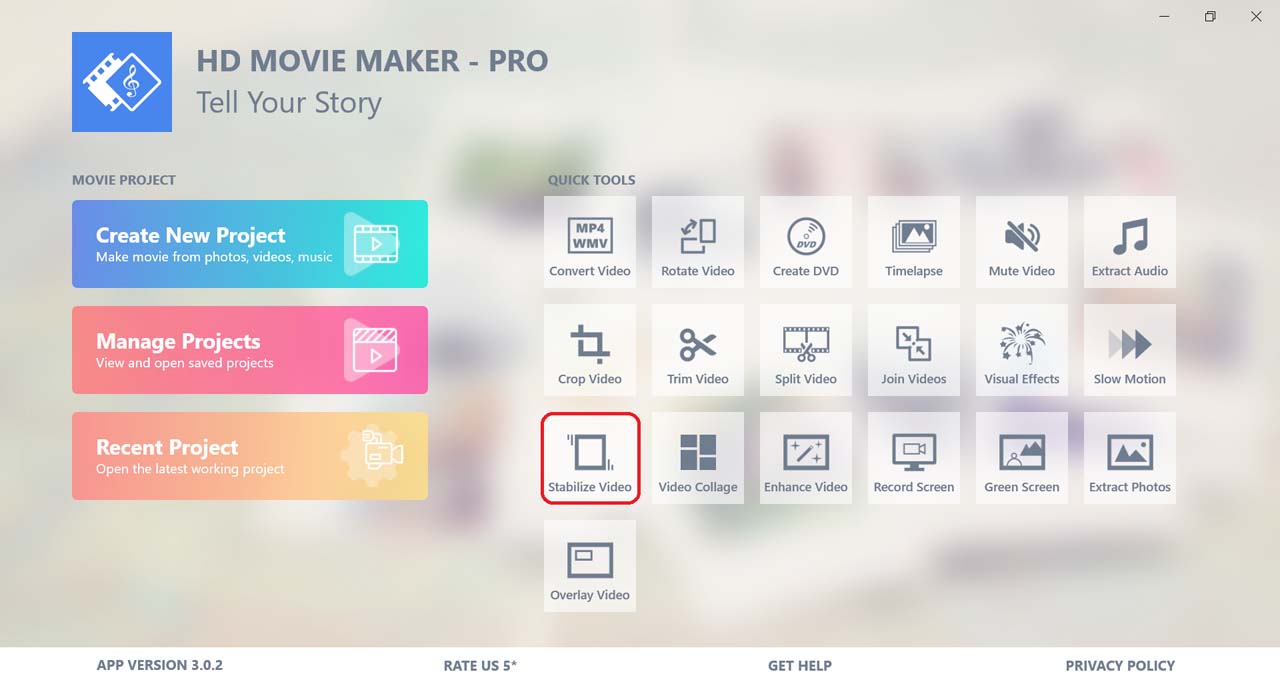
Click on the Stabilize video button to use the tool.
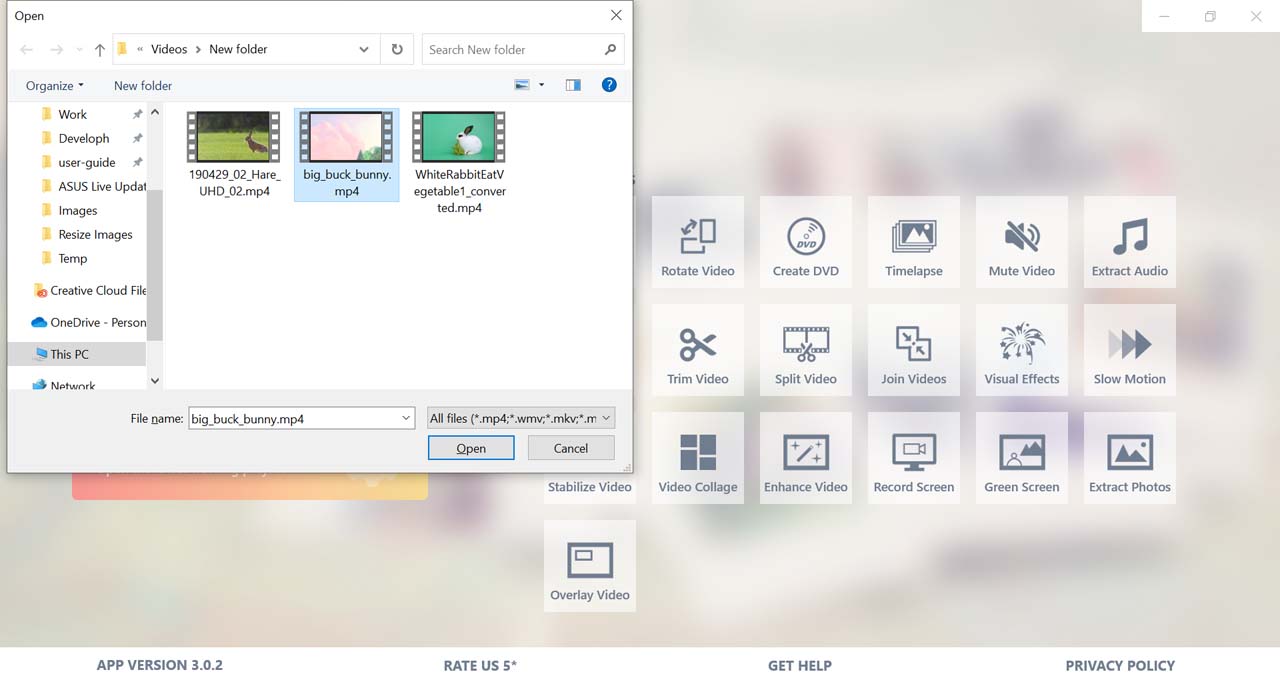
Then, choose the video you want to edit.
-
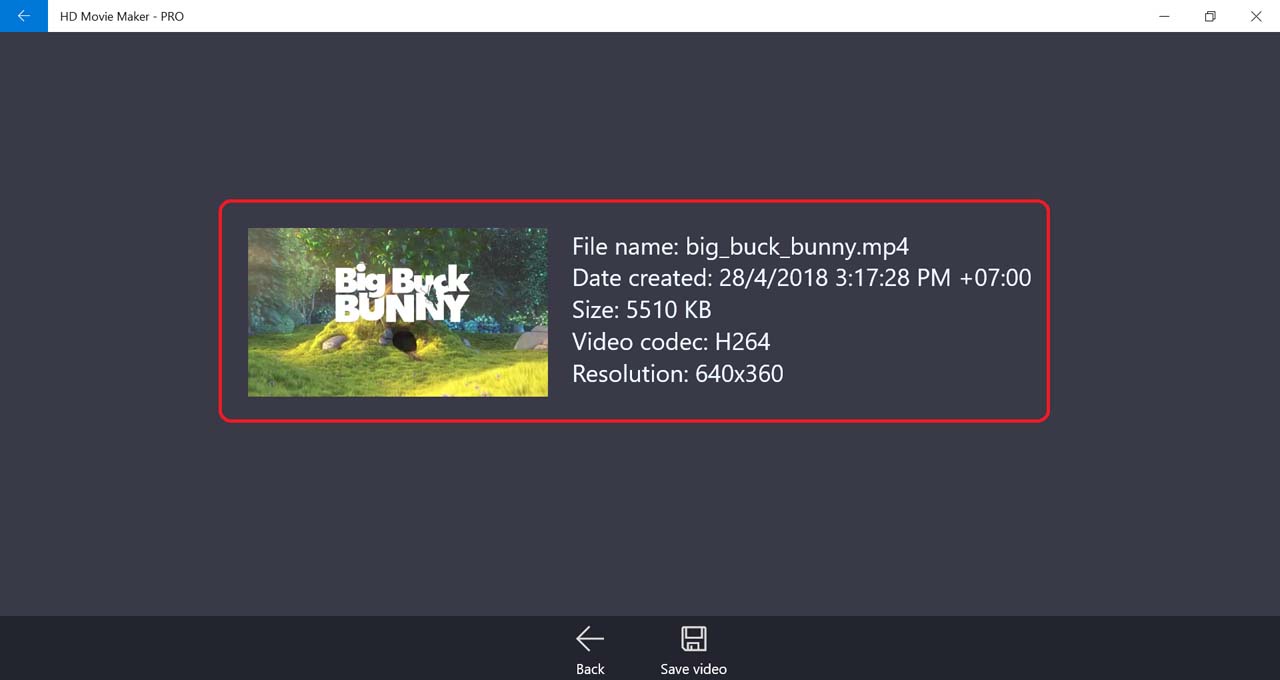
Some information of the video will be shown on the screen.
-
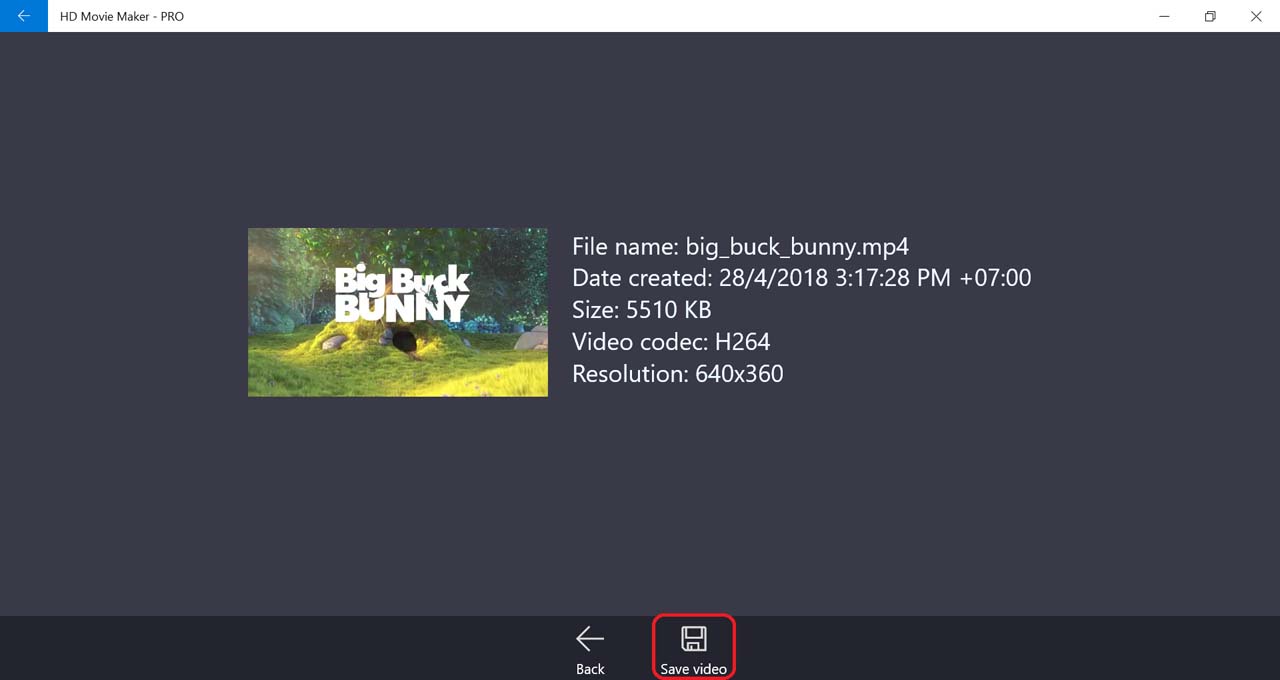
To process the stabilization, select Save video.
-
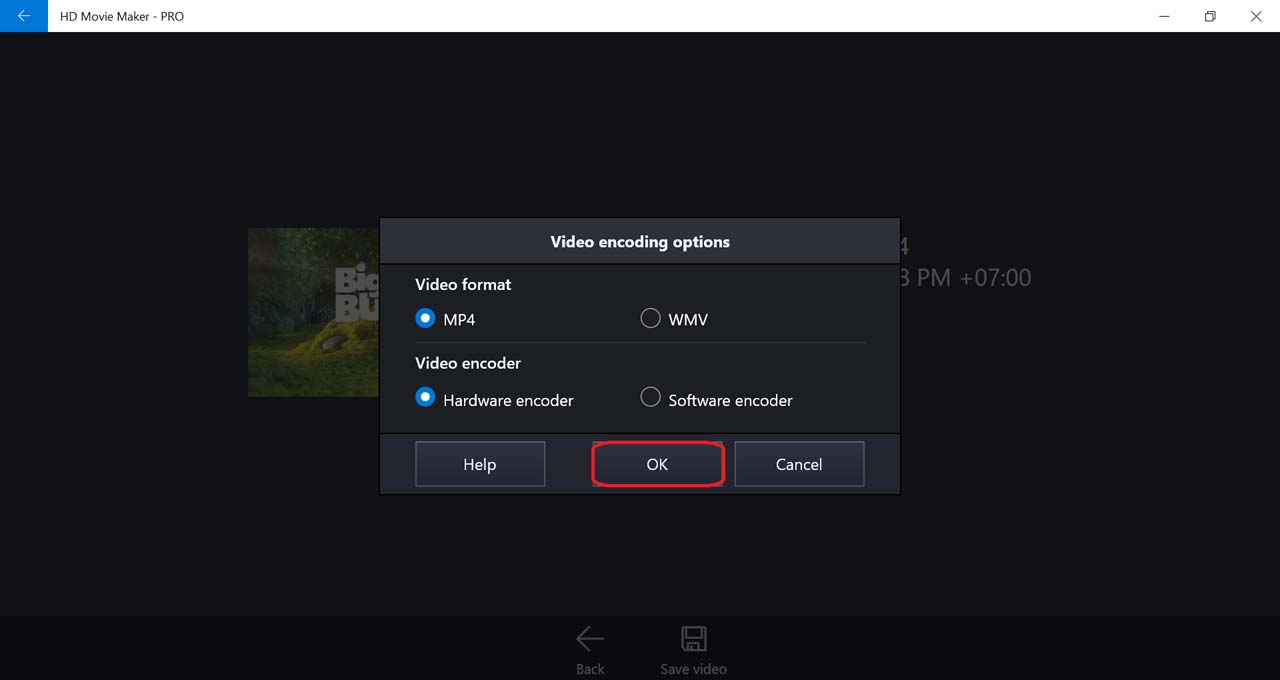
Select output movie settings, then press OK.
-
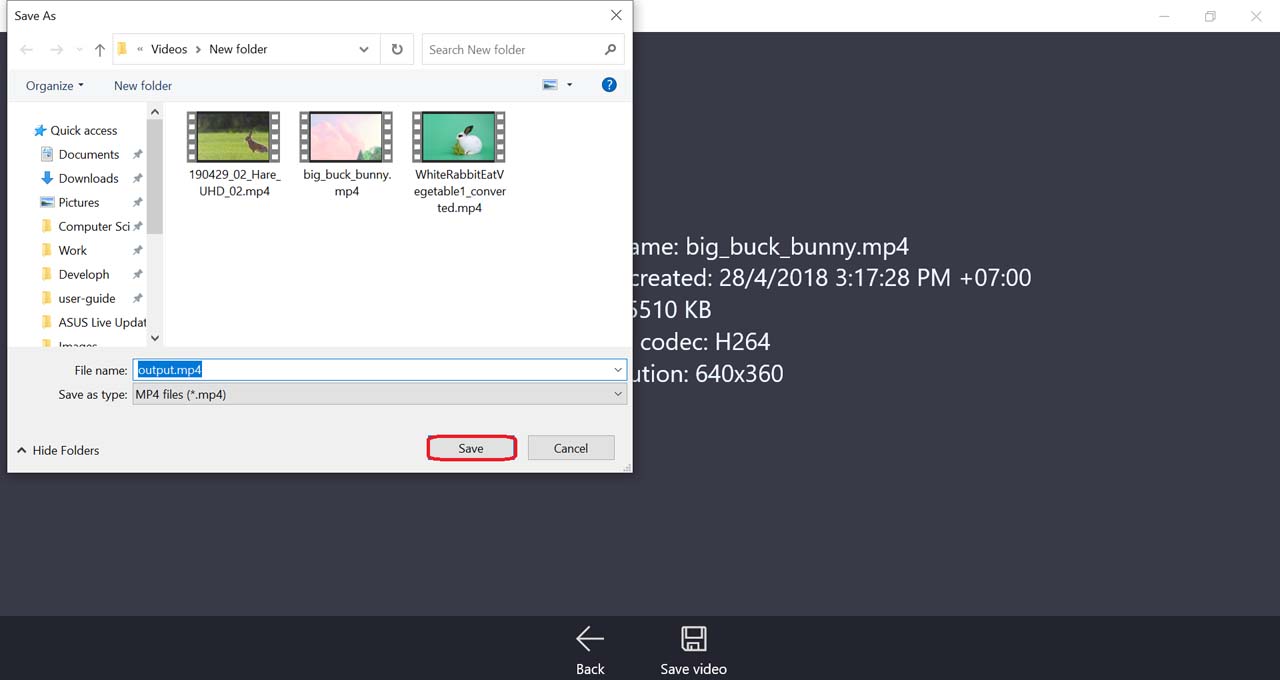
Next, choose the location of the output video file. .
-
After HD Movie Maker finished processing, you can view the output video.